
Ibotta Review — Does it Really save you money?
Perhaps you want to save money on your groceries or other purchases but don’t want to spend hours looking through sales ads and clipping coupons. (Yes, coupons are still around!)
Is this even possible?
Yes, with one of our favorite apps — A free app named Ibotta enables you to get cashback from your purchases!
What is Ibotta?
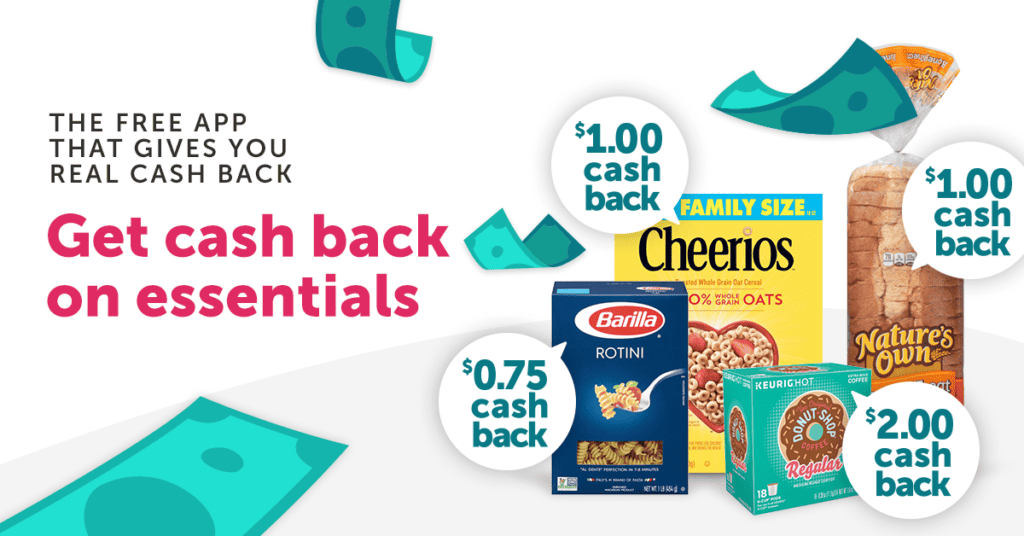
Ibotta is a free app that gives real cashback for shopping for eligible items in their app. It’s a savings app. You build the savings up in your account by selecting offers, purchasing them, and then cashing out when you get to $20.
You can get rebate offers for groceries but they also offer rebates for exclusive in-store items.
Rebates are offered at stores such as Dollar Tree, Dollar General, Target, Walgreens, CVS, Family Dollar, Walmart, Sam’s Club, and Kohl’s. Rebates for liquor and convenience store shopping are also available.
Do you really save money with Ibotta?
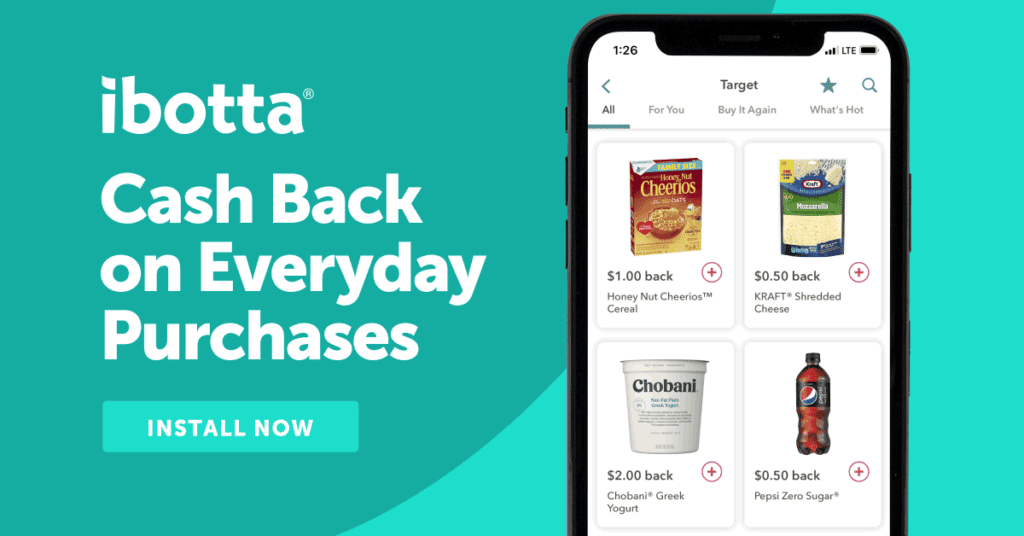
The way you save money with Ibotta is by using it for things that you are already going to purchase or use.
For example, we use Truvia as our sweetener. Recently Ibotta offered a $2.00 rebate on Truvia and we could use it up to five times in the same purchase. We purchased two in one trip.
It would have been better if we had paired the Ibotta offer with a Truvia sale but there wasn’t a sale available at the time and we needed Truvia. We ended up paying full price at the store. When we got home, we scanned the receipt and got $4.00 back in our Ibotta account.
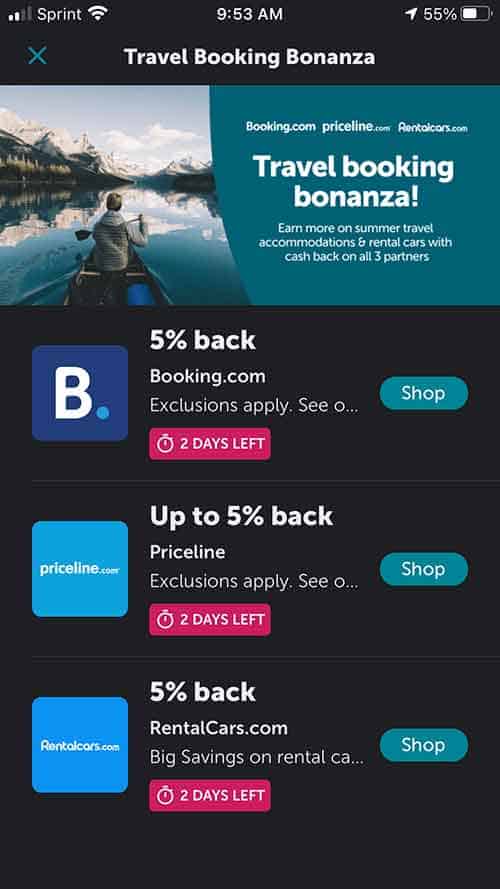
You can also save money on your travel plans by using Ibotta. Be sure to check it before traveling to see if you have any offers for hotels and rental cars. Here are the offers that we had in our Ibotta.
Ibotta is offering a $20 signup bonus. How do you get the bonus?
There are a couple of things that you must do in order to get the $20 signup bonus.
- First, you must sign up for Ibotta on a device that has not been previously registered with an Ibotta account.
- Second, you must complete your first qualifying offers within the specified time period.
Tips for redeeming the first order:
- Any brand or any item do not count toward the qualifying offer.
- Make a note of how long you have to redeem the Welcome Offers. Most expire within thirty (30) days of registration.
- Choose offers from categories that don’t have a long period to wait for the offer credit. Categories such as “Online Shopping” may have offers that have a long Pending Period. For example, Sam’s Club in the “Online Shopping” category has a Pending Period of up to 90 days. If you chose this one as one of your Welcome Offers, you would not receive your welcome offer until the pending offer has been verified.
How do you get started with Ibotta?

- Download the Ibotta app on your phone or add the browser extension on your computer.
- Sign up for an account. You will need to provide the following: 1) Your first name; 2) an email address (if you are going to have your savings sent to Paypal then use that address); 3) a Password; 4) Your birthdate; 5) Zip Code; 6) Referral Code (This is optional. Please use my Referral Code “bjzjzr”).
- Link your loyalty cards. When you shop online and use your linked loyalty card or account, the qualifying offers you have selected before placing the order will be credited to your Ibotta account within 24 hours.
- Choose your offers. You can choose them after you purchase the item. Just remember to choose it before you upload your receipt.
- Upload your receipts. After you purchase and choose the offers, open the app and scan the receipt barcode. Some stores, like Dollar General, will require you to take a photo of the receipt. The amount you earned for the qualifying purchases will be added to your account within 24 hours.
- Request a withdraw from your account. Once you have $20 in your Ibotta account, you can request cashback to your Paypal or Venmo account or you can get gift cards.
Sign up now for Ibotta and get $20 in welcome bonuses! Here’s the breakdown (from the Ibotta blog) on how to earn the welcome bonus.
Welcome Bonus #1: Receive a $10 Welcome Bonus for redeeming an in-store offer (Any Brand and Any Item offers excluded)
Welcome Bonus #2: Receive a $5 Welcome Bonus for redeeming a Mobile Shopping offer.
Welcome Bonus #3: A secondary $5 Welcome Bonus for redeeming an in-store or Mobile Shopping offer.
Be sure to use my referral code “bjzjzr” when you register. Using this code will put you on my team which will allow us to earn the team goal bonuses faster. This is just an extra way to earn more on the app.
How do you get your money from Ibotta?
It’s very easy to cash out your account in Ibotta. Just follow the steps below.
- The first step to withdrawing your earnings in Ibotta is to go to the “Account” section and select the “Withdraw Cash” option.
- Select the Paypal or Venmo option.
- Then, link your Paypal or Venmo account.
- Enter the dollar amount you want to withdraw. Select “Transfer Cash”.
- Your cash should be in your Paypal or Venmo account within minutes.
Is Ibotta worth the time?
It is definitely worth the time it takes to use Ibotta. It doesn’t take a lot of time to log into the app and select the offers.
You can log in and add offers to your account during your downtime at night while watching TV. We’ve even selected offers while we were sitting in the waiting room at the doctor’s office.
These days every little bit saved helps. We put our Ibotta savings into a separate account that we don’t ever use. Over time the account will keep building up and we will have a pretty good emergency fund started.
Do you plan on signing up for Ibotta? Are you already an Ibotta fan? We’d love to hear from you! Leave us a comment and let us know what your favorite part of Ibotta is!