
Canva: Not Just for Bloggers!
Affiliate Disclaimer: The Frugal Housewife is an affiliate for Canva which means that if you use our links to make a Canva purchase we will receive a small commission. Please see our Affiliate Disclaimer for more information.
Try Canva Pro Today
Canva is one of the tools that we use in creating the graphics for The Frugal Housewife, for our Pinterest page, and also for our Facebook page.
Did you know that Canva is not just a tool for bloggers?
It is a versatile tool that will help you create beautiful graphics for your business, school, social media posts, and more.
There are many types of graphics that you can make using Canva.
- Product covers
- Custom email headers
- Newsletters
- Posters
- Infographics
- Flyers
- Social media graphics
- Much more!!!!
Signing up for Canva
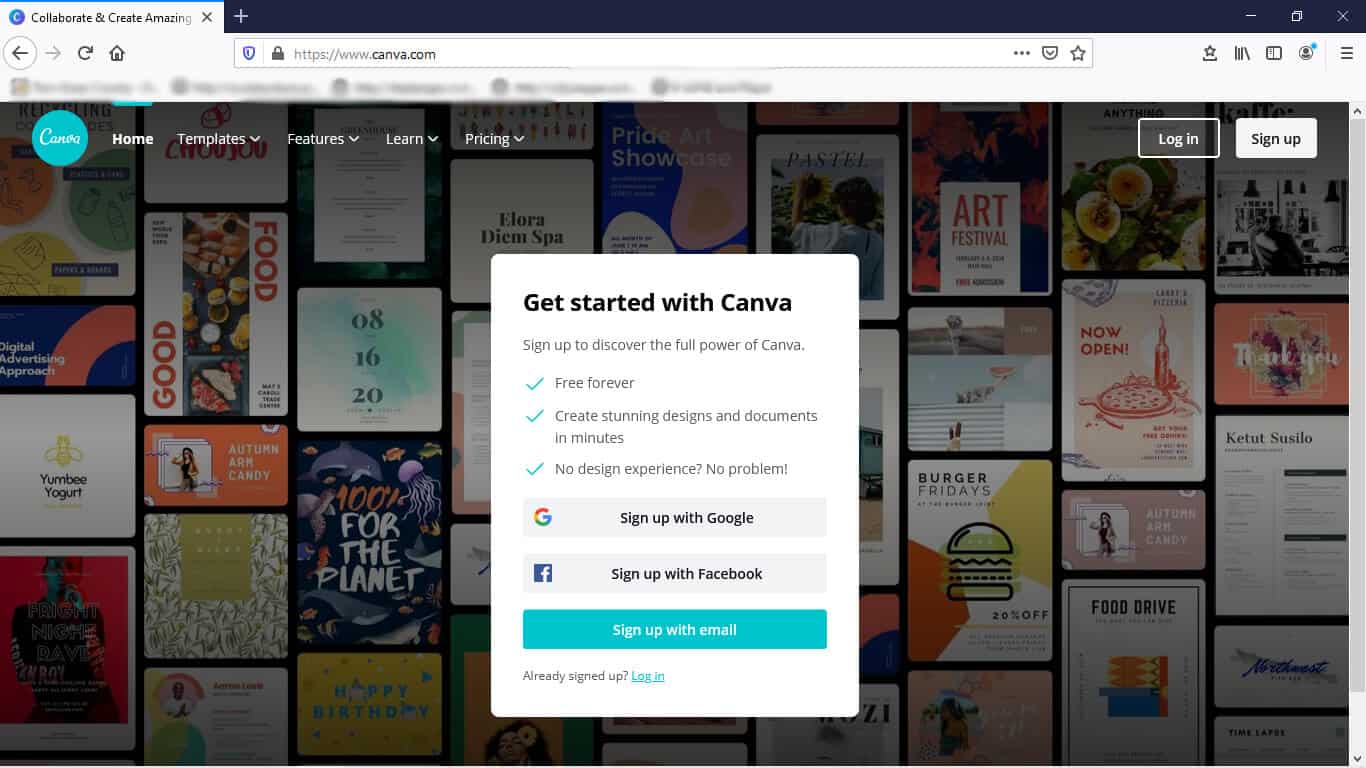
It’s very easy to sign up for Canva. You can sign up with your Google account, your Facebook account, or your email account.
How much does Canva cost?

There are three pricing plans for Canva — Free, Pro, and Enterprise.
It is cheaper to pay for the subscription by the year, however, there is also a monthly plan available. It is $3.00 higher to pay by the month and you can cancel it at any time.
We were on the Free plan for a long time. It was a very good plan and we were able to create some awesome graphics with it.
The reason we switched to the Pro plan was to have access to 60+ million premium stock images, photos, videos, and graphics, over 60,000 templates, and the Content Planner. We can also save our branding colors in Canva (we couldn’t do that in the Free version) which makes it easier to create logos and other graphics that we need.
Canva Content Planner

The Content Planner will save us a few extra steps when creating Facebook graphics and scheduling the posts using them. Now we can schedule the Facebook posts immediately after creating them. It will save us some time and a few steps in posting them.
These are just a few ways that Canva helps us in our business. It can help you too!
Try Canva Pro Today
Canva offers a free Pro trial for 30 days. You will need to enter a credit card number in order to activate your Canva Pro account. If you cancel at any time before the end of the trial period, you won’t be charged.
Are you going to sign up for Canva? What is one way you are going to use Canva? Do you already use Canva? What is your favorite application that you use the most? Leave us a comment and let us know. We’d love to hear from you!